Imagine arriving at work to discover that your company’s email system has been compromised, sensitive documents are being shared externally, and your team is locked out of essential applications. For many organizations using Microsoft Office 365, this nightmare scenario is closer to reality than they’d like to admit. While Office 365 offers robust built-in security features, they’re only effective when properly configured and actively managed. Knowing how to configure and manage those tools is key to keeping your data secure.

Understanding the Shared Responsibility Model
One of the biggest misconceptions about Microsoft 365 is that Microsoft handles all security on your behalf. In reality, Microsoft secures the infrastructure, but businesses are responsible for protecting user access, data, and configurations. This includes managing permissions, monitoring activity, and ensuring security features are properly enabled. Many security incidents happen not because tools are missing, but because they are never fully set up or reviewed.
Strengthening User Access and Identity Protection
User identities are often the weakest link in any security strategy. Enabling multi-factor authentication is one of the most effective ways to prevent unauthorized access, even if passwords are compromised. Strong password policies, conditional access rules, and limiting administrative privileges also play a critical role. Not every user needs full access, and reducing unnecessary permissions can significantly lower risk.
Protecting Email and Collaboration Tools
Email remains one of the most common entry points for cyberattacks. Phishing messages, malicious links, and harmful attachments can easily slip through without proper protections in place. Microsoft 365 includes tools to help filter spam, scan attachments, and block unsafe links, but they must be configured correctly.
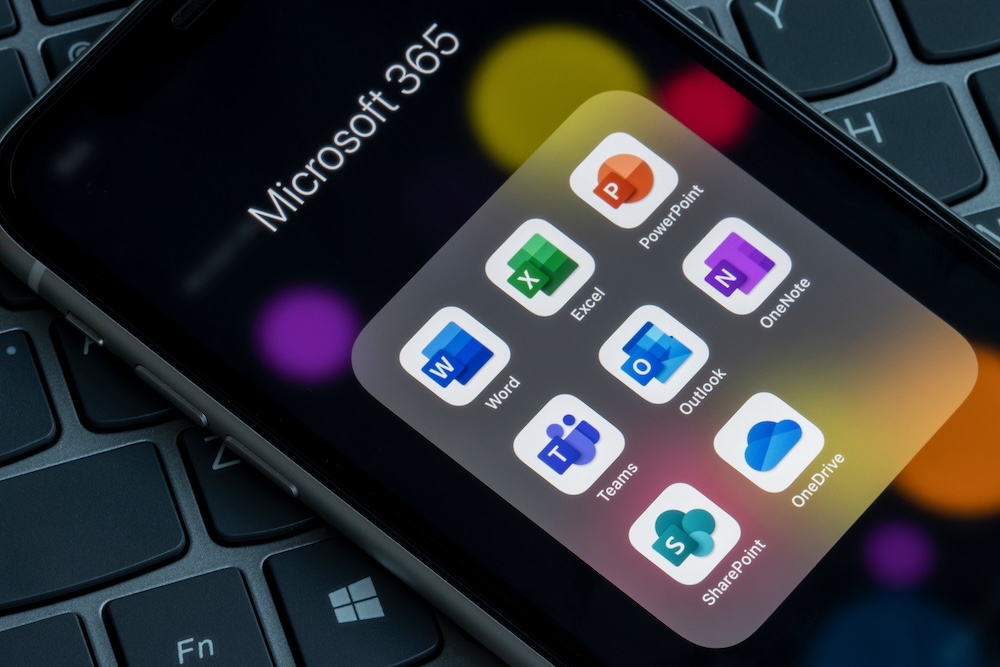
Collaboration tools like Teams, SharePoint, and OneDrive also introduce risk when files are overshared or when access isn’t controlled. Reviewing sharing settings and monitoring external access helps ensure sensitive information does not fall into the wrong hands.

Safeguarding Data with Built-In Security Controls
Data protection goes beyond preventing unauthorized access. Features like data loss prevention help prevent sensitive information from being shared improperly, whether intentionally or by mistake. Sensitivity labels allow organizations to classify data and apply rules around how it can be accessed, shared, or downloaded. Having visibility into where your data lives and how it is used is essential for reducing exposure.
Monitoring, Reviewing, and Staying Proactive
As teams grow, devices change, and workflows evolve, security settings should be reviewed regularly. Monitoring activity logs, setting up alerts, and performing routine security reviews help identify potential issues before they become serious problems. A proactive approach makes it easier to adapt to new threats and changing business needs.
Security Works Best When It’s Actively Managed
Microsoft Office 365 provides robust security features, but their value depends on how well they are configured and managed. Regular reviews and security checkups help ensure nothing is overlooked and that your environment stays protected as your business evolves. Taking the time to assess your current setup can make a meaningful difference in reducing risk and protecting your data.
About ACT
Applied Computer Technologies (ACT) is a full-service IT provider, specializing in Reinsurance and Finance. Services include Cloud Services, IT Services and Support, Microsoft 365 and Azure Services, Business Continuity, Telephony and Virtual CIO Services. ACT has locations in Bermuda, Cayman Islands and Canada, with customers worldwide.
For the latest industry trends and technology insights visit ACT’s main Blog page.